
235,715
Delivered orders

Searching someone who can help with assignment help online? Hire our best assignment experts and enjoy the best grade.
hen MYOB assignment balances don’t match, it can immediately make you go into panic mode. You double
rogramming assignments are the tasks and projects which are assigned to the students. These assignments focus on the
W
hen MYOB assignment
check totals, rerun the reports and still the numbers may refuse to line up. The issue is very common in MYOB assignments, especially when you are juggling between short deadlines and complicated accounting rules. Even a small mistake can affect your entire file and leave you stressed at the last moment.
balances don’t match, it can immediately make you go into panic mode. You double-check totals, rerun the reports and still the numbers may refuse to line up. The issue is very common in MYOB assignments, especially when you are juggling between short deadlines and complicated accounting rules. Even a small mistake can affect your entire file and leave you stressed at the last moment.
In this blog, we are going to learn why the mismatch happens and how to fix the MYOB balance mismatch. You are going to know about the most common mistakes behind balance differences and clear, practical steps to fix them. By the end of this guide, you are going to know the strategies for confidently completing your assignment.

When your MYOB balance is not aligning correctly, it generally shows up as a trial balance that is not agreeing or as reports that contradict each other. This does not mean the software is broken. In almost every case, it points to a data entry or setup issue within your file.
Understanding what MYOB is expecting is the key to knowing why your MYOB assignment balances don’t match. It works on double-entry accounting; every transaction must balance debits and credits. If even one of the entries breaks that rule, the report is going to highlight the problem.
This is often the first signal that something needs correcting before submission.
For example, if you enter a supplier payment as an expense but forget to record the linked payable account correctly, the trial balance or related reports may show a mismatch.
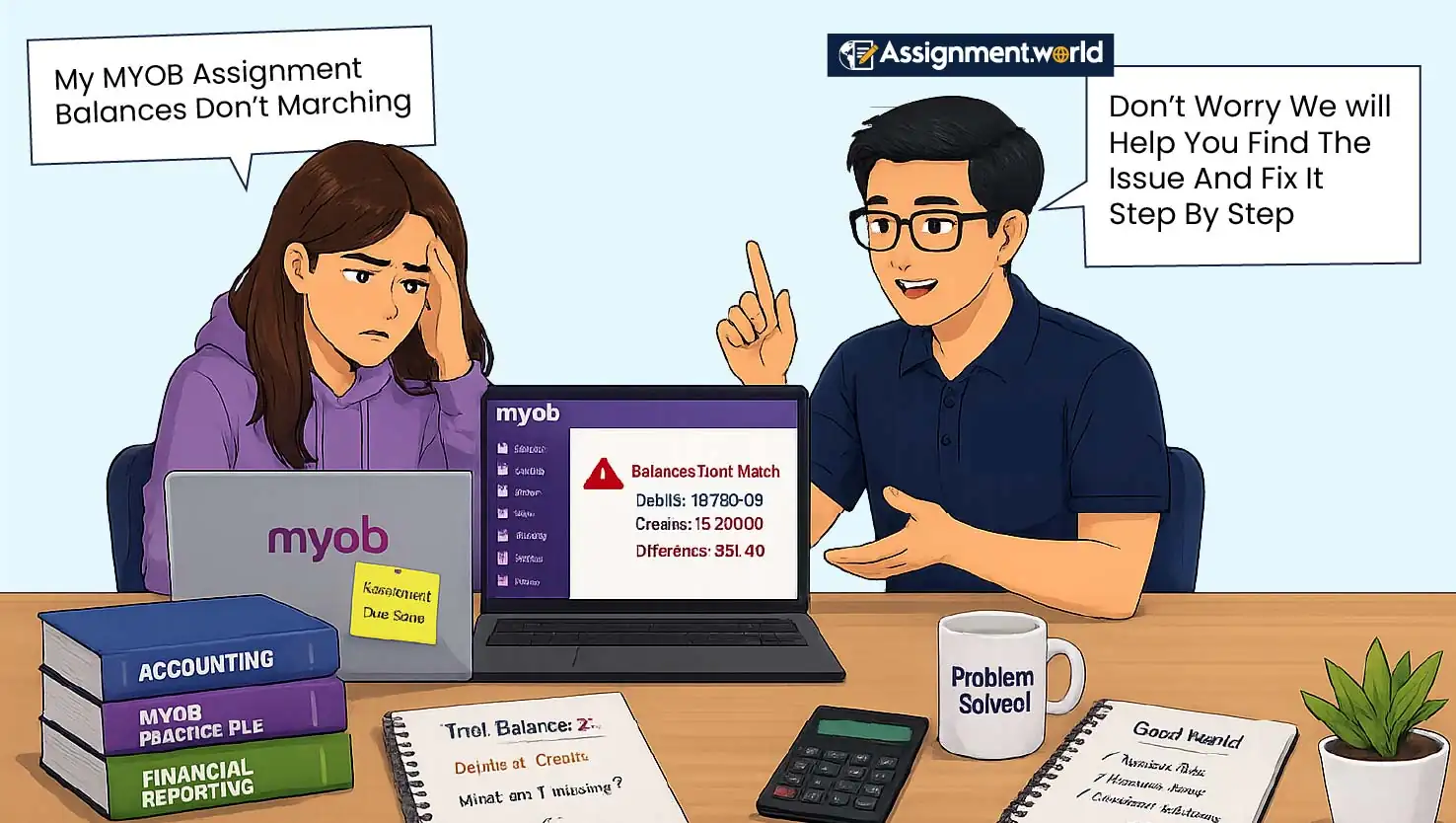
The most frustrating part is not knowing why the mismatch is happening. It takes away your mental energy to rework on assignments while you are still not familiar with the facts that are causing the mismatches. Here are the top reasons MYOB balances don’t match
Incorrect opening balances are one of the major culprits. If you have entered the opening balance into the wrong accounts or on the wrong sides, then the wrong balance is carried through every report.
Posting transactions directly to control accounts like Accounts Receivable or Accounts Payable, rather than using sales and purchases modules, is a big mistake.
You may have deleted or edited a transaction that MYOB relies on for linked accounts. These are also the reasons MYOB balances don’t match.
Even rounding errors or GST coding mistakes can make small but noticeable mismatches that snowball later.
Misdated transactions can also create balance differences when entries are posted outside the assignment period.
Incorrectly linked account setup may affect GST, banking, receivables, payables, and inventory reports.
These are the common reasons MYOB balances don’t match, and checking them one by one is usually better than making random changes.
Many balance issues stem from the Common MYOB assignment mistakes that are easy to overlook.
One of the most frequent MYOB assignment errors is mixing cash and accrual entries.
If your assignment uses an accrual accounting basis, however, some transactions are recorded as cash, then the total may not align.
Incorrect dates, like posting transactions outside the assignment period, are Common MYOB assignment mistakes, and they can distort balances in reports.
You might also forget to record depreciation, accruals, or adjusting journals that the assignment explicitly requires.
Another common MYOB assignment mistake is rushing through reconciliations, skipping bank reconciliations or not fully reconciling accounts, which can lead to a mismatched balance by the end.
Entering GST-inclusive and GST-exclusive amounts incorrectly is another common issue in student files.
Recording personal expenses, drawings, or owner contributions in the wrong account can also affect final reports.
MYOB reports are the best way to find out why your MYOB assignment balances don’t match. Start with the trial balance report; it will show you whether the total debits are equal to the total credits or not. If they do not, then you know that the issue is fundamental.
Next, compare the balance sheet and profit & loss reports. If the retained earnings or the current year earnings look odd, then it often points to journal errors or misdated transactions. The "find transactions" feature is also invaluable, letting you search by amount, date or account to locate suspicious entries.
Useful reports to check include:
Trial Balance
Balance Sheet
Profit And Loss Statement
General Ledger Detail
GST Detail Report
Receivables Reconciliation
Payables Reconciliation
Bank Reconciliation Report
For example, if the trial balance is correct but the receivables reconciliation does not agree, the problem may be linked to customer payments, sales entries, or direct postings to Accounts Receivable.
A source of imbalance in MYOB assignment errors is related to GST. Using the wrong tax code on a transaction can affect both your tax report and your account balances.
For example, coding a GST-free transaction as GST-inclusive can inflate your GST payable or receivable account. Over multiple entries, these MYOB assignment errors create noticeable discrepancies. Always double-check tax codes against assignment instructions and Australian GST rules.
Here is a simple example:
If a $1,100 purchase includes GST, the GST component is $100 and the expense is $1,000.
If the same amount is entered as GST-free, MYOB may not record the $100 GST component.
This can make the GST report and related balance sheet figures look incorrect.
Such MYOB assignment errors are easy to miss because the transaction total may look right, but the GST allocation is wrong.
If your mind is stuck, then follow a strategic approach to fix MYOB assignment balance errors rather than randomly changing the entries.
Lock your data by creating a backup. This gives you a safety net.
Next, review opening balances carefully and compare them with the assignment brief.
The next step to fix MYOB assignment balance errors is to check all manual journals for equal debits and credits.
After that, review linked accounts and ensure no transactions were posted directly to control accounts.
Finally, reconcile your bank accounts and GST reports.
Check transaction dates against the required assignment period.
Review all adjusting entries, including depreciation, accruals, prepayments, and closing stock.
Re-run the trial balance after each correction instead of changing several entries at once.
This systematic process to fix MYOB assignment balance errors usually uncovers the issue faster than trial and error.
When panic mode is bugging you, fixing the mismatch from scratch would be the wrong move. Rather than that, undo changes where possible. MYOB lets you reverse transactions cleanly, preserving audit trails.
If the error is in a prior period, add correcting journals instead of editing historical entries unless your assignment allows it. Take your time and fix one issue at a time. Each correction should bring your totals closer to balance.
Follow this step-by-step MYOB balance correction process:
Run the Trial Balance and note the difference.
Check opening balances against assignment data.
Review manual journals for equality.
Verify GST codes and tax reports.
Reconcile bank and clearing accounts.
Re-run reports after each fix.
Check whether any transaction has been entered outside the assignment date range.
Review control accounts for direct postings.
Compare final reports with the assignment checklist.
This step-by-step MYOB balance correction lets you progress and avoids introducing new errors while fixing old ones.
A good step-by-step MYOB balance correction also helps you explain your changes clearly if your tutor asks how you found and fixed the issue.
Prevention is always an easier process than correcting at the last moment. Entering transactions regularly instead of all once is a wise choice. Reconciling the accounts weekly, even during the assignments, is a great way of time management for students.
Always follow the exact assignment brief, especially while adjusting the entries. If you genuinely come across any problems and need extra time to fix it then you may request a deadline extension with justified reasons.
Another smart strategy you can apply is to take the help of professional services. There are qualified assignment writers who are capable of managing the MYOB assignments.
To avoid future MYOB assignment errors, you should:
Keep a checklist for every transaction type.
Enter dates carefully.
Use the correct tax codes.
Avoid direct postings to control accounts unless instructed.
Back up your file before major corrections.
Reconcile before final submission.
Compare reports with the assignment brief.
When the MYOB assignment balances don’t match, it is indeed frustrating. However, you can fix it through common checks and structured approaches. By understanding the causes and following clear correction steps, you can gain control of your file and submit confidently.
Doing your MYOB assignments alone is too much pressure; you need to have a support system. This is the reason Assignment World offers myob assignment help where you can get a structured and well-written MYOB assignment. Whether it is building the file from the scratch or fixing errors, we do it all for you.