
235,715
Delivered orders

Searching someone who can help with assignment help online? Hire our best assignment experts and enjoy the best grade.
dobe InDesign is a popular software application focused on content creation and design. Besides creating beautiful
rogramming assignments are the tasks and projects which are assigned to the students. These assignments focus on the
A
dobe InDesign is a popular software
layouts, it is also helpful for creative documents. Are you also someone who wants to use InDesign tools, but don't know how to work with them?
application focused on content creation and design. Besides creating beautiful layouts, it is also helpful for creative documents. Are you also someone who wants to use InDesign tools, but don't know how to work with them?
For that reason, are you scared when the assignments related to InDesign knock on the door? Don’t stress at all, when Assignment World is your genie. We promise to create magic in your assignments because we believe in quality and commitment.

The first thing to learn about Adobe InDesign is to know what is indesign used for. Now, you might have a conception of what the big deal is in knowing that? This tool is merely used for arranging the content and making it appealing. No, my friend, you are wrong because there are many uses that you are unaware of.
So, listing below some of the uses, so that whenever you get a question in your assignment regarding “Adobe InDesign, what is it used for?”, you will not be at a loss.
Business Cards
It is the jackpot for your unique styling in business cards. With the help of Adobe InDesign, you can make business cards that would be attractive for your clients. High-quality business cards with a part of the front side can easily be done with the help of this software.
Books, Magazines and Ebooks
Starting from creating tempting layouts for both fiction and nonfiction to designing visuals and advertisements, InDesign tools are very helpful. This is because this software is creating texts and images. For ebooks, a different structure enables a pleasant reading view for the readers, which Adobe InDesign provides.
Brochures, Flyers and Newsletters
For creating colourful and innovative brochures, pamphlets and flyers for various services and multiple products, this is no doubt very useful. Even for newsletters, you cannot say no to InDesign tools because these designs enable them as quickly readable whenever they are ready.
Digital Publications
In the case of digital publications, there is no need to look at other tools except the Adobe InDesign suite. Elements such as hyperlinks, drop-down arrows, embedded media links and even animations can be enhanced with the help of this software.
Packaging Designs
If the product packaging is used in a pop-up interface using the tools in InDesign, then it's nothing like that. It is more or less consistent with the brand standards of the company because for arranging barcodes, texts and typographic elements, an organised and uniform design and logo are needed.
Banners and Posters
Creating a variety of brilliant banners and posters for every occasion requires the incorporation of this particular software. It helps in navigating even in case of the giant posters, and therefore, you don't need to worry when this magical software is at your disposal.
Surely, now you understand how much this software is useful, and apart from your assignment, it has a number of uses which have made both hard and soft copies easier and refreshing to read. Now, if you are stuck with your assignments and feel that you need help, do not hesitate to reach out to the Assignment World. With our team of experts, we are ready to provide you with the best adobe indesign assignment help.
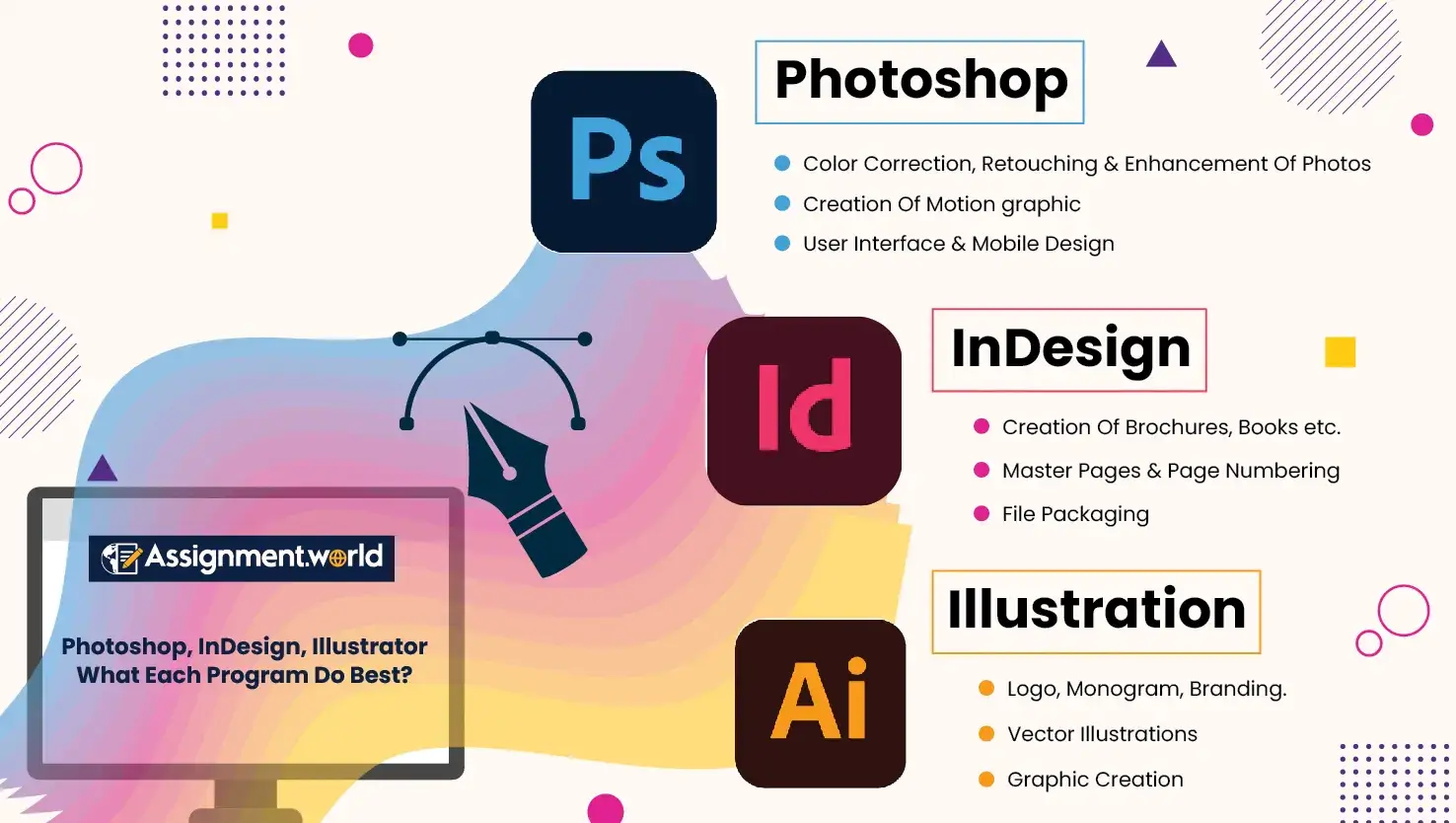
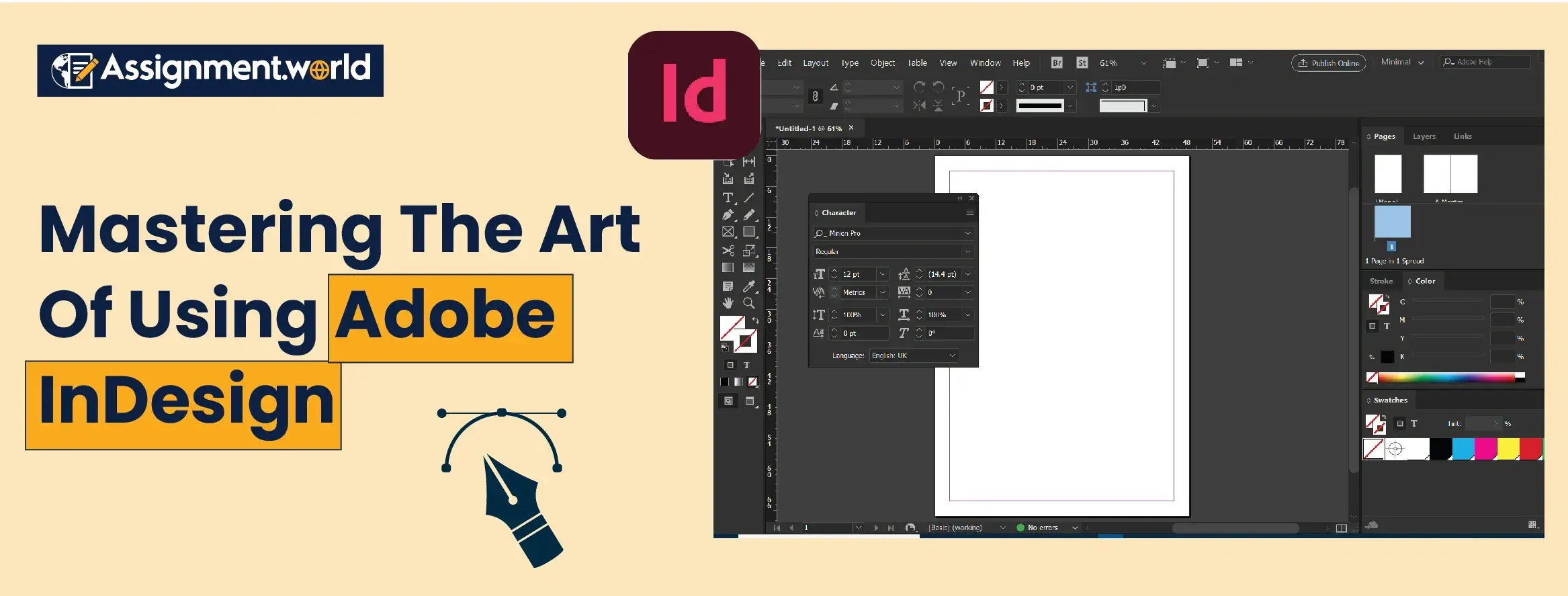
Knowing about the uses of Adobe InDesign is not enough; you also need to know about the 10 different tools that it has. Let me guide you through each of them one by one-
Selection Tool (V) - With the help of this primary tool, you can easily create drag-and-drop objects and entirely edit them.
Type Tool (T) - The tool that allows you to create and format text boxes and different types of texts is the type tool.
Rectangle Frame Tool (F) - This is one of the most in-demand tools among the other Adobe InDesign tools, used to create frames with placeholder images or text. You can adjust the location and scale the way you want.
Pen Tool (P) - Custom obscure shapes and paths that cannot be drawn in the format of regular shapes can be easily created by the Pen Tool.
Content Collector/Placer Tool (B) - Whenever you want to create any repetitive content on other site pages, you can use a content collector tool.
Eyedropper Tool (I) - For selecting the right colours from various places within a design or selected images, this InDesign tool is very helpful.
Gradient Tool (G) - Whenever you want to create gradients to enhance the designs and manipulate gradients, the gradient tool comes to your aid.
Paragraph and Character Styles - For ensuring the applied formatting of the text- font, size, colour, spacing, you will be able to use these styles or tools in InDesign.
Pages Panel - This panel can be created to manage and switch between multiple TIFF pages in a single document.
Align Panel - The align panel helps avoid distortion of elements and distribution of the objects in the design.
Some of the key InDesign tips and tricks that can help students ace this software and understand Adobe InDesign, what it is used for, are given below:
Set up The Workspace
Personalise Your Work Area: After connecting to your network, go to Window > Workspace and click on the "Advanced" section to have maximum settings. Unhide necessary panels such as Layers, Pages and Swatches and dock them so as to have quick access to them.
Use the Align Panel: It can be found under Window > Object & Layout. This tool is useful in ensuring the fine-tuning of items on your page.
Discover the Properties Panel: To see the Properties panel, select it with Window > Properties. It is easy to change settings in this panel as it shows the properties of your chosen object.
Master The Typography:
Use The Paragraph and Character Styles: Design your titles, body text and others to be consistent throughout your document.
Go Through The ‘Next Style’ Option: This Feature enables you to automatically use the following style in your sequence without having to manually format the text.
Use Curve Text Option: When it comes to getting a curvy design in text, rather use the text on a path tool (select text, apply to a shape or path).
Efficient Handling Of Images
Place The Image: Copy images or files using Ctrl + D (Cmd + D on Mac) or drag the files into your work.
Embedding Image: Embedding avoids schematic pictures in print. Right-click on the image in the Links panel and select the option Embed.
Adjust Image Frame: Click on an image in a frame and move it into position by double-clicking or select and click and drag on both sides of an image to scale the image content, keeping proportions.
Use Transform Panel: To transform an image, use right-click > Transform.
Keyboard Shortcuts for Enhanced Workflow
Ctrl + D (Cmd + D on Mac):- Placing an image or file.
Ctrl + Shift + E: Export document.
Ctrl + G: Saving selected items to a new group.
Ctrl + Shift + P: Enable or disable the option on the Pages panel.
Still, if you are confused about how you can use the tool, then do not hesitate to avail our services.
Now, you must be wondering why you should hire Assignment World to meet your Adobe InDesign assignment requirement. For this, we have enlisted four reasons that will ensure you trust our team of trusted writers-
Familiarity with the Masters Of Typography
Our writers make it a point to familiarise the students with typography, colour, page layout and design patterns, which helps in creating attractive designs.
Detailed Explanation
Whenever you trust us with your assignments, rest assured that you will receive detailed explanations that will help you answer any questions asked bythe professor.. Additionally, you will receive extra InDesign tips and tricks that will be beneficial in your future endeavours.
Experience with Sophisticated Programs
We take our pride to say that not one assignment writer, but a group of experts, are there who are experienced in QuarkXpress and Illustrator. These experts will write an A+grade worthy assignment for you.
Customised Adobe InDesign assignment services
It is our belief and our uniqueness in the service that we cater to customising the assignments as per the students’ requirements. Each assignment is written as per its specific requirement.
Creative Expertise
The creative expertise of our team develops unique design solutions for all the students. Thus, the InDesign tips and tricks guide the students for future assignments.
So, what are you waiting for? If you want to crack the code of how to use InDesign software, do not hesitate to seek help from the best services in Australia that we provide to students.
Adobe InDesign in itself is a very versatile tool, and learning to master it will really be beneficial for you. With this blog, you are given a brief overview of what Adobe InDesign is and what the essential tools where you need to use, tips and tricks. However, at any point in time, if you feel that everything is going above your head, then no need to panic. You have Assignment World beside you as your friend.